Description de l'application
Here's a clear, polished, and engaging summary of the JUMP PAINT app — perfect for sharing with aspiring manga artists, fans of Weekly Shonen Jump, or anyone interested in digital art creation:
🎨 JUMP PAINT: The Ultimate Manga Creation App — Free, Powerful, and Officially Licensed!
Unlock your inner mangaka with JUMP PAINT, the free mobile app born from the legendary collaboration between MediBang Paint (over 12 million downloads) and Weekly Shonen Jump — the home of iconic series like One Piece, My Hero Academia, and Demon Slayer.
Whether you're a beginner or a seasoned artist, JUMP PAINT gives you everything you need to create authentic, pro-quality manga — anytime, anywhere.
✨ Why Artists Love JUMP PAINT
📌 Create Like the Pros
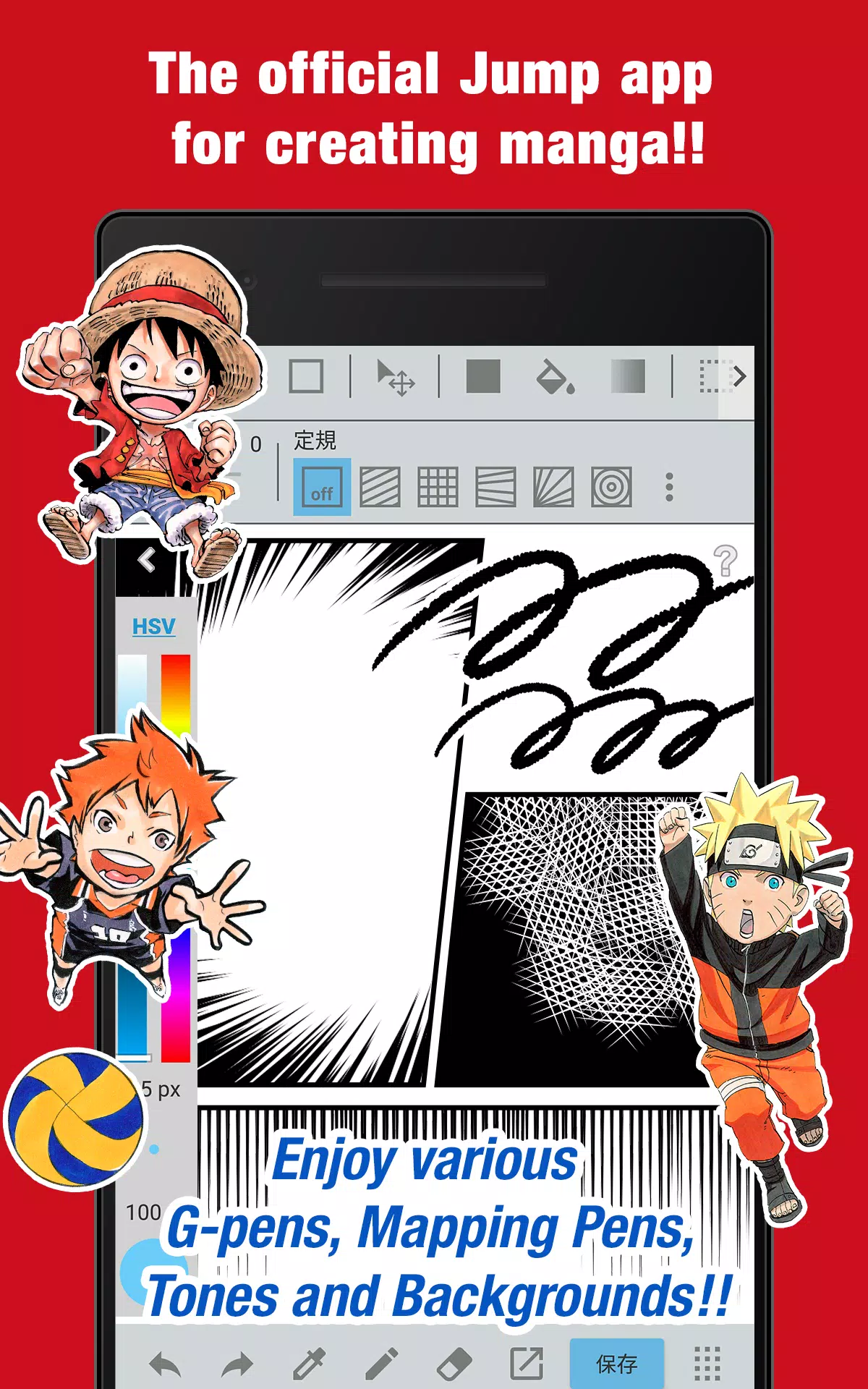
- Use G-Pens, Mapping Pens, Tones, and Backgrounds — all completely free.
- Access 90+ professional brushes, including:
- Pen, Pencil, Watercolor, Acrylic, Soft Pastel
- G-Pen (for dynamic line work)
- Mapping Pen (for accurate shading)
- Edge Pens, Blur, Smudge, and more!
- Customize and save your own brushes to match your unique style.
📚 Learn from the Legends
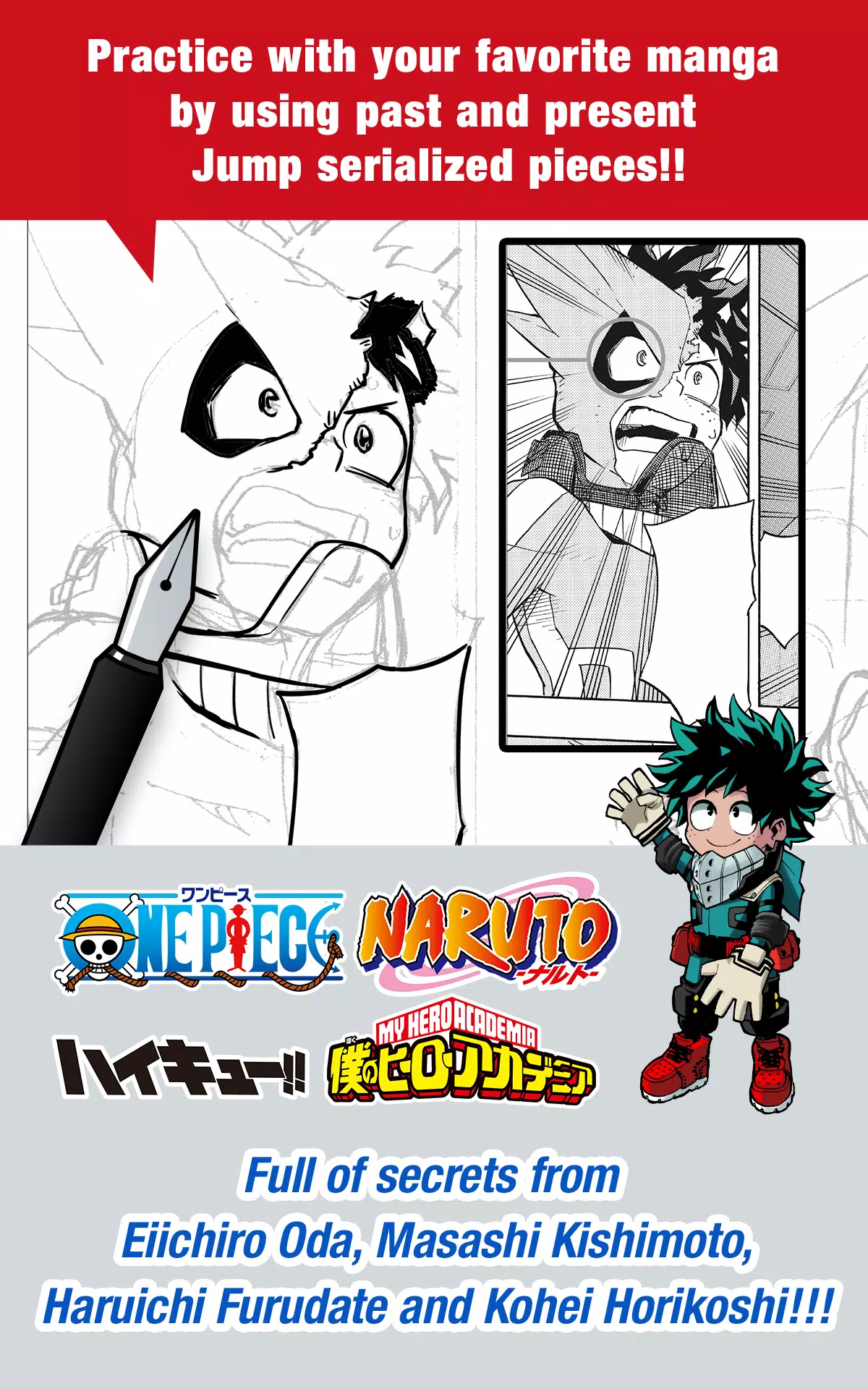
- Get exclusive insights from world-famous Jump authors:
- Eiichiro Oda (One Piece)
- Kohei Horikoshi (My Hero Academia)
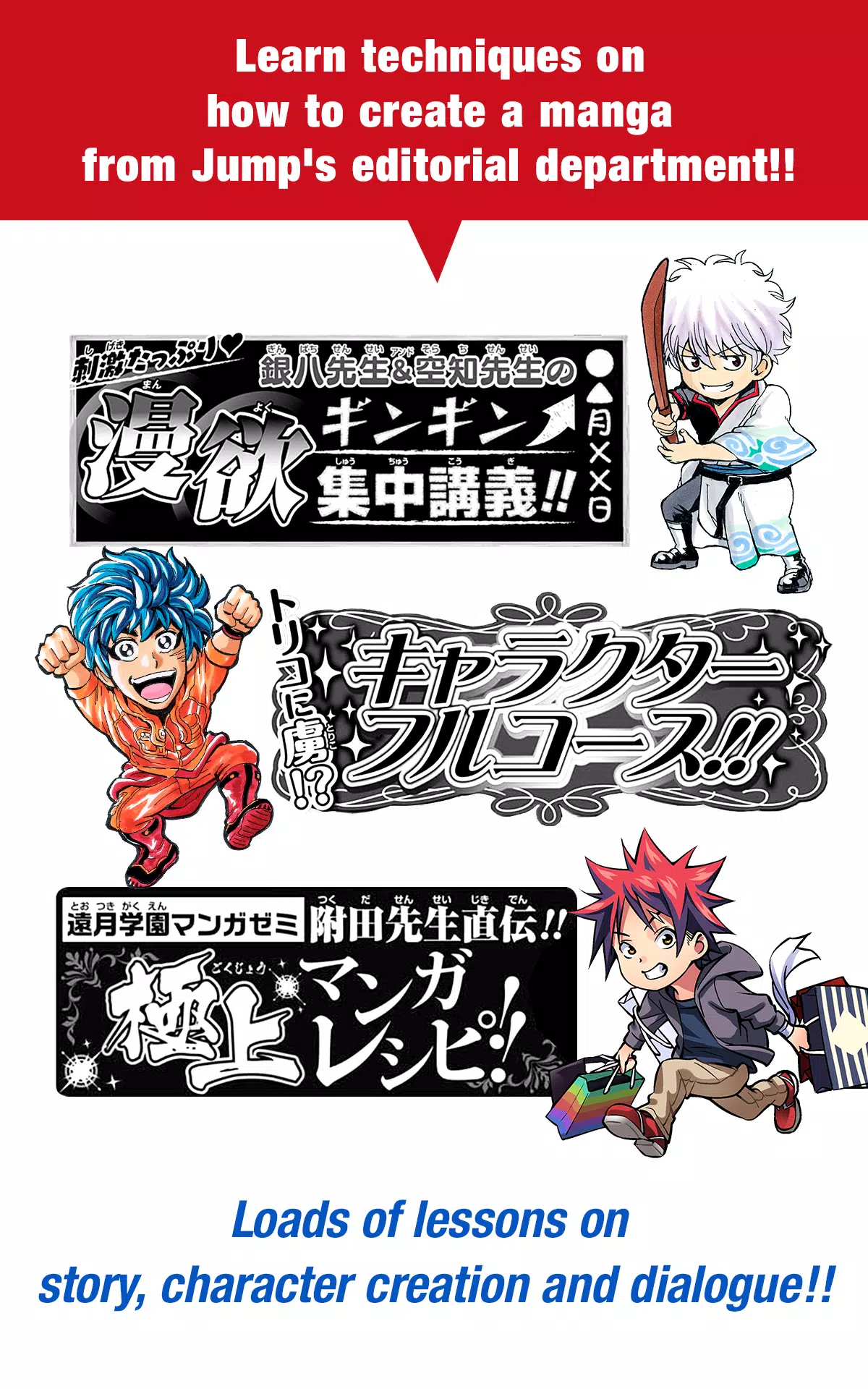
- Study storytelling, character design, dialogue writing, and panel composition with lessons straight from the editorial team.
🖼️ Professional Tools, Mobile-First Design
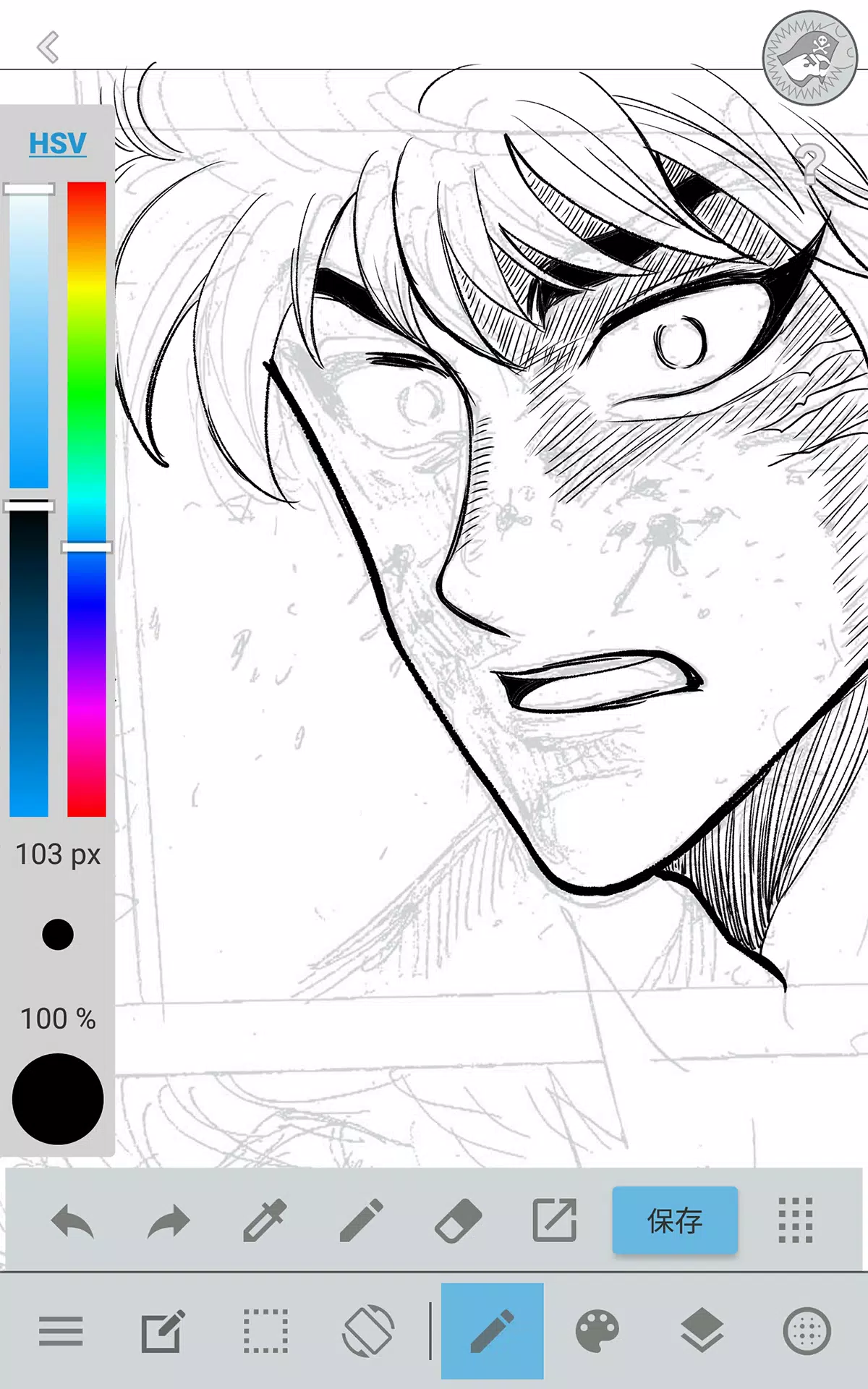
- Full desktop-level features, perfectly optimized for iPhone and iPad:
- Tabbed interface with one-tap panel control
- Smooth brush size & color adjustments
- Force Fade In/Out for crisp finger-drawn lines
- Perspective rulers, curve guides, stroke correction, and layer management for precision.
🎞️ Comic Creation Made Easy
- Drag to create comic panels instantly — resize, reshape, and arrange freely.
- Add professional comic fonts (50+) to convey emotion, tone, and character personality.
- Use 800+ free tones and backgrounds (clouds, cities, vehicles, etc.) with one-touch application.
📱 Work Smarter, Anywhere
- Take photos in-app and use them as reference layers.
- Cloud storage (via MediBang Account) keeps your work safe and synced across devices.
- Auto recovery ensures your progress is never lost — even if your phone crashes.
🤝 Create Together, Anywhere
- Team Creation Mode: Collaborate remotely with friends on manga projects — perfect for story teams, inkers, and colorists.
📂 Organize & Export Like a Pro
- Save and manage multi-page manga chapters.
- Sync brushes, presets, and tools with the PC version of JUMP PAINT.
- Export your masterpieces in high quality — ready to share, publish, or enter contests.
🏆 Enter Official Jump Contests — Right from the App!
- Stay updated on deadlines and rules for real Jump manga competitions.
- Submit your original work directly through the app and launch your career in the world of Shonen Jump.
🔑 How to Get Started
- Download JUMP PAINT for free on iOS (iPhone/iPad).
- Create a free MediBang Account at https://medibang.com/ to unlock cloud sync and full features.
- Start drawing, learning, and competing — all in one app.
🚀 Final Thought
JUMP PAINT isn’t just an app — it’s your golden ticket to becoming a real manga artist, powered by the same tools and wisdom used by the masters of Weekly Shonen Jump.
Whether you dream of drawing your own hit series or just want to create amazing manga on your phone — JUMP PAINT is your ultimate creative partner.
👉 Download now and draw your destiny.
JUMP PAINT – Where Every Line Tells a Story.
Let me know if you'd like a shorter version for social media, a poster, or a video script! 🖌️📱
Capture d'écran
Reviews
Post Comments
Derniers articles
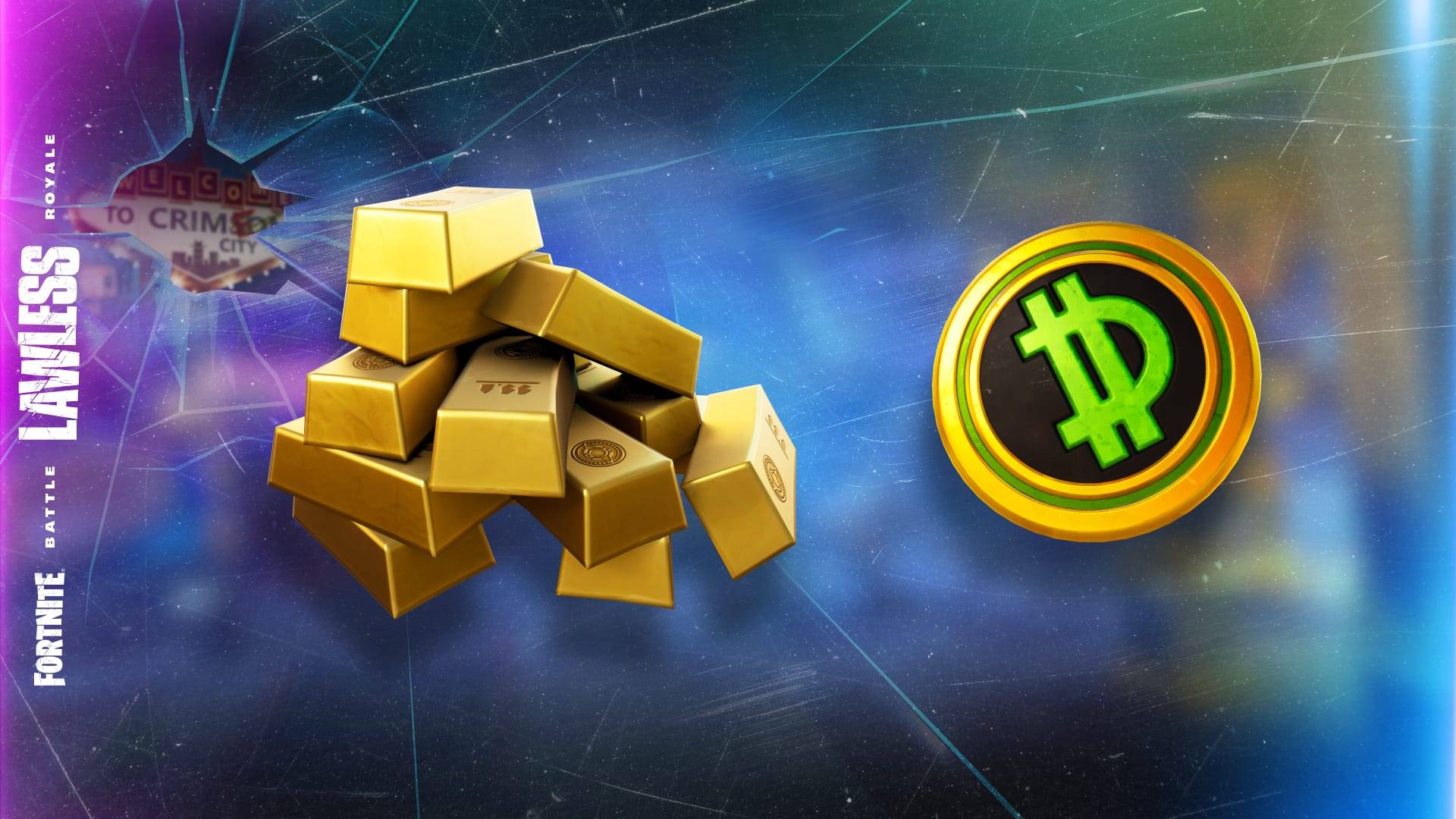
Fortnite Ch6 S2 : La ruée vers l’or : Comment la déclencher ?
Fortnite, Chapitre 6, Saison 2 : Lawless tourne entièrement autour de l’argent liquide. Le chef du crime, Fletcher Kane, a établi des refuges un peu partout sur l’île, et la prise en contrôle de l’un d’eux offre des avantages spéciaux. Voici tout ce
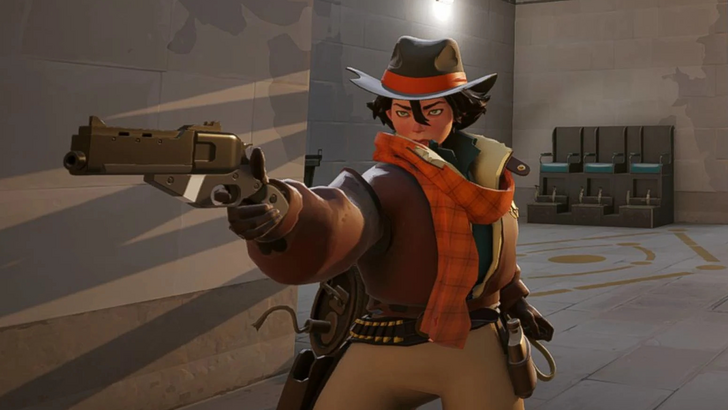
Deadlock dévoile de nouveaux héros, compétences, armes et histoire
Deadlock est disponible depuis plusieurs mois et a élargi son effectif avec six nouveaux héros en cours de développement. Poursuivez la lecture pour découvrir les détails sur les derniers personnages de Deadlock, ainsi qu’un aperçu des compétences, a
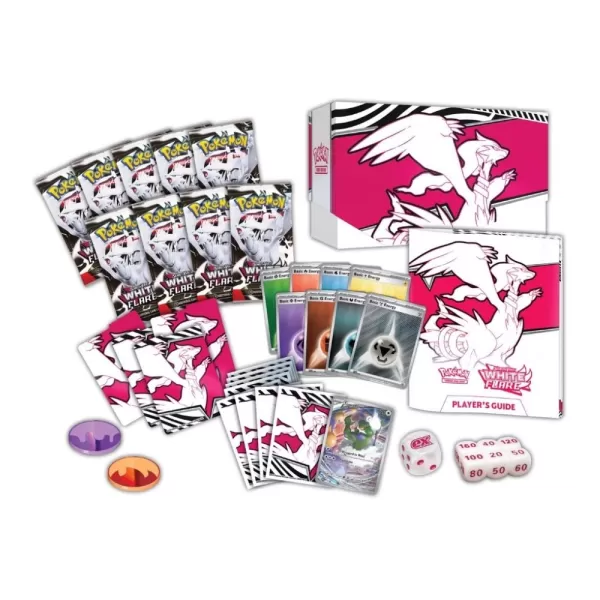
Où précommander les cartes Pokémon TCG : Black Bolt et White Flare
Les nouvelles extensions du Pokémon TCG, Black Bolt et White Flare de la gamme Scarlet & Violet, arriveront chez les principaux détaillants, dont Best Buy et Amazon, à partir du 8 mai aux États-Unis. Voici où réserver vos précommandes.### Coffret d'E
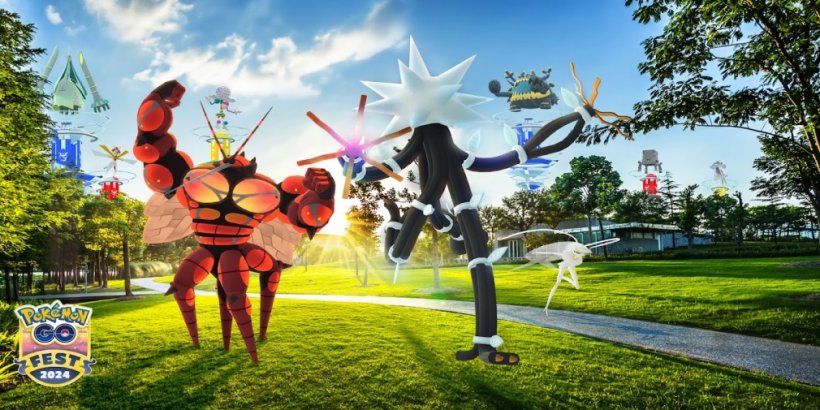
Les Ultra-Bests reviennent à Pokémon GO avant la Fête de 2024
Les dresseurs de Pokémon Go s’apprêtent à vivre une nouvelle aventure passionnante grâce à l’événement Ultra Bests Inbound, qui se déroulera du 8 au 13 juillet. Préparez-vous à rencontrer les Ultra-Beasts lors de raids, de missions de recherche spéci
Ragnarok X : Next Generation débarque sur le marché mondial
Ragnarok X est maintenant disponible dans le monde entier Plongez dans un univers Ragnarok 3D soigneusement conçu Choisissez votre classe de personnage, affrontez des bêtes légendaires et entrez dans des quêtes épiques En tant que pilier de longue
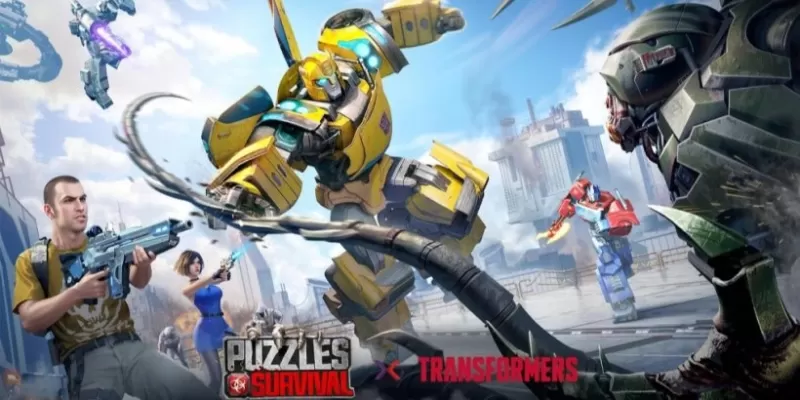
Le Bourdon rejoint le crossover Puzzles & Survival
Le deuxième événement de collaboration Transformers se poursuit jusqu'au 15 avril. Bumblebee fait ses débuts en tant que puissant héros de 5 étoiles. De nouvelles améliorations Cybertronians sont également disponibles à acquérir. 37Games Puzzles &
Applications semblables à JUMP PAINT by MediBang

Musei Italiani
Conception d'art丨53.1 MB

Sandsara
Conception d'art丨78.3 MB
peinture au doigt
Conception d'art丨32.1 MB
Face Swap Magic
Conception d'art丨26.3 MB
Graffiti Creator
Conception d'art丨16.4 MB
VistaCreate
Conception d'art丨35.5 MB
Dernières applications


Hoora
Auto et véhicules丨37.6 MB
OficinApp
Auto et véhicules丨81.1 MB
SpeedoX MyRide
Auto et véhicules丨44.0 MB
FUELSTAT Result
Auto et véhicules丨194.4 MB
ZEEDA
Auto et véhicules丨36.7 MB
Virtus Energy
Auto et véhicules丨52.5 MB
아이킹 모바일 DTG
Auto et véhicules丨74.3 MB
VR Garage
Auto et véhicules丨35.1 MB
Applications tendance
Plus +





Meilleures nouvelles
Plus +
01
01-01
Call of Duty : Black Ops 6 ajoute les modes préférés des fans
Call of Duty: Black Ops 6 reçoit cette semaine des modes de jeu classiques et des mises à jour de cartes, résolvant les problèmes post-lancement. Le très attendu mode "Infected" arrive demain, suivi de la carte emblématique "Nuketown" le vendredi 1er novembre.
Infected et Nuketown améliorent Black Ops 6
Treyarch, le développeur,
02
03-13
Top 10 des livres LITRPG pour 2025
La lecture est mon passe-temps préféré absolu. Bien que j'apprécie les jeux vidéo et la télévision, rien ne se compare à me plonger dans une série de livres captivants. Mon voyage en lecture a commencé avec Harry Potter, se diversifiant en science-fiction, fantaisie, mystères et même non-fiction. Mais ma vraie passion littéraire s'enflamme
03
04-08
Guide du débutant de Kingshot: Mastering Tower Defence Mechanics
Plongez dans le monde passionnant de Kingshot, un jeu de stratégie multijoueur qui combine magistralement le tir de précision avec la guerre tactique. Dans la toile de fond d'un royaume fantastique médiéval, vous entrez dans la place d'un puissant monarque, enfermé dans une lutte féroce pour la suprématie par rapport au royaume rival
04
03-05
Helldivers 2: Rotation du superstore (toutes les armures et articles)
Helldivers 2 Superstore: Un guide complet des rotations d'armures et d'articles équipant l'armure droite est cruciale dans Helldivers 2. Avec divers types d'armure (léger, moyen, lourd), passifs uniques et statistiques variables, le choix de votre équipement est une décision stratégique. Le superstore propose des armures exclusives
05
04-26
Delta Force: Guide complet de toutes les cartes de combat
Delta Force, le jeu mobile très attendu, devrait arriver à la scène des jeux mobiles en avril. À l'approche de la date de sortie, c'est le moment idéal pour familiariser de nouveaux joueurs avec les diverses cartes de combat qui les attendent. Le jeu comprend quatre cartes Core: Zero Dam, Layali Grove, Brakkesh, et
Sujets
Plus +